
Changelog

Follow new updates and improvements to Clearly Development.

DMCA Dashboard & Ticket Portal
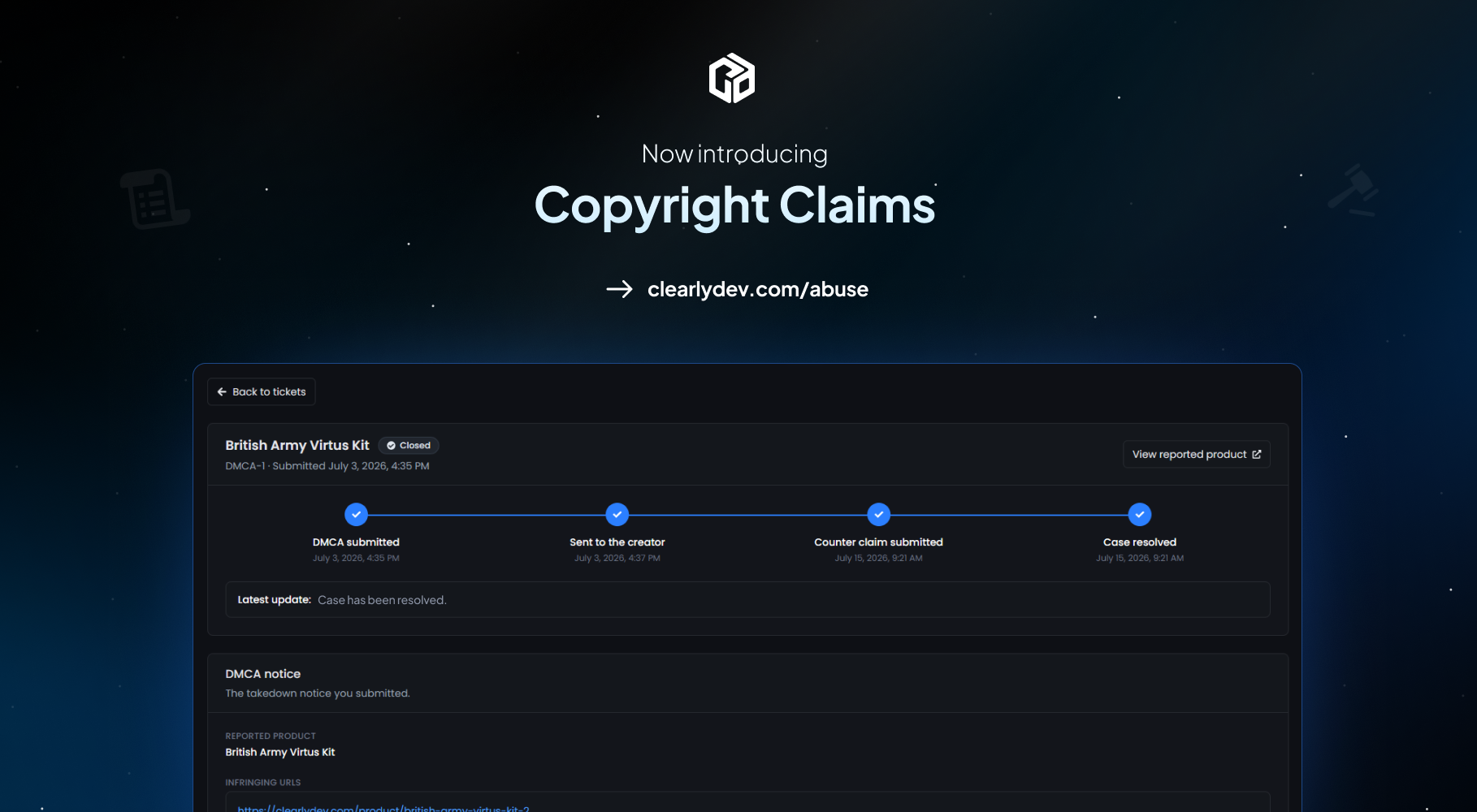
We've just released the DMCA Dashboard, a new way to manage and track DMCA claims directly from your ClearlyDev Dashboard.

Creators now have full visibility over any DMCA activity on their products. You can see exactly which product has received a DMCA claim, view all the details of the claim, and respond with a counter-claim, all without leaving your dashboard.

The DMCA Dashboard is designed to help you:

  • See exactly which products have received DMCA claims

  • View full details and information about each claim

  • Respond with counter-claims directly from your dashboard

Why use the DMCA Dashboard?

  • Clear visibility, no more guessing which product was affected

  • Easy management of all claims in one place

  • Faster responses with counter-claims submitted in just a few clicks

Submitting a DMCA claim

DMCA claims can now be submitted via our new web form at clearlydev.com/abuse, making it much easier to file a claim.

We've also launched a new DMCA Ticket Portal at clearlydev.com/tickets, where you can:

  1. Track the status of your submitted DMCA claim

  2. View all details about the claim

  3. See any counter-claims that have been filed

One of your most requested features

This DMCA portal system was one of our most upvoted suggestions, thank you to everyone who voted for it!
New

Import products from Payhip

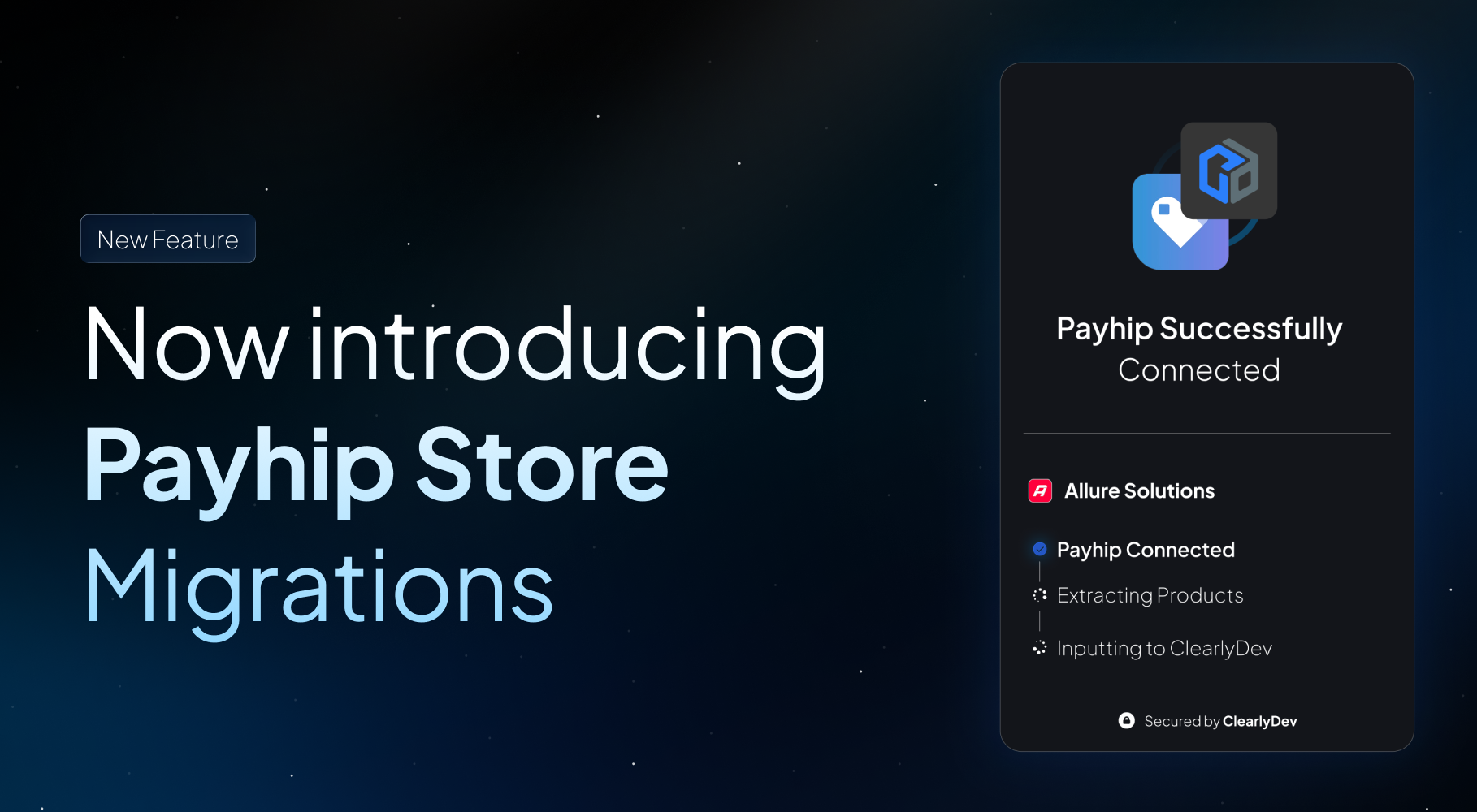
You can now import your entire Payhip store directly into ClearlyDev in just one click.

Our system automatically pulls across your product data, including files, images, descriptions, and more, and uploads everything seamlessly to your ClearlyDev store. During the import, we also detect and flag any duplicate products to keep your store clean and organised.

This makes it incredibly easy to migrate from Payhip without any manual work.

To request access to this feature, please send an email to support@clearlydev.com

New

Product Bundles

We’ve just released Bundles, a powerful new way to sell multiple products together as a single listing.

You can now group multiple products into one bundle, which appears on the marketplace just like a normal product. Customers can purchase the bundle and instantly receive access to all products included.

Bundles are designed to help you:

  • Sell multiple products at once

  • Offer discounted pricing compared to individual purchases

  • Increase conversions and average order value


Why use Bundles?

  • Package related products together (e.g. map + assets + UI)

  • Encourage larger purchases with better value

  • Reduce friction for customers who want everything in one click


How to use Bundles

  1. Go to your ClearlyDev Dashboard

  2. Navigate to Products

  3. Select the Bundles tab

  4. Click Create New Bundle

  5. Add products, set pricing, and publish

That’s it! your bundle will appear on the marketplace immediately.


No moderation required

Bundles do not require moderation and go live as soon as you create them.

New